How to Set Up TiviMate IPTV Player: The Ultimate 2026 Guide
If you are looking for the absolute best way to watch live TV on an Android TV or Amazon Firestick, you will eventually find TiviMate. Widely regarded as the gold standard of IPTV players, TiviMate offers a polished, professional user interface that closely mimics premium cable boxes. From custom channel groups to picture-in-picture mode and multi-screen support, TiviMate transforms raw M3U streams into a high-end viewing environment.
However, unlike standard streaming apps like Netflix, TiviMate does not come with any preloaded content. It is a shell player that requires you to connect your own IPTV subscription. In this guide, we will walk you through setting up TiviMate from scratch and linking it to your Golden IPTV Pro subscription.
Step 1: Download & Install TiviMate
TiviMate is officially available on the Google Play Store for Android TV devices (such as Nvidia Shield, Chromecast with Google TV, and Sony Smart TVs). Simply search for 'TiviMate' and install the app. If you are using an Amazon Firestick, TiviMate is not in the Amazon Appstore. You will need to sideload it using the 'Downloader' app by entering the official TiviMate direct link code.
Step 2: Add Your Golden IPTV Pro Playlist
Once the app is open, you will be prompted to add a playlist. We highly recommend using the Xtream Codes API connection method instead of M3U files, as it is much faster and automatically updates EPG guides. Here is how to configure it:
- Select 'Add Playlist' and choose 'Xtream Codes'.
- Enter the server address URL provided in your Golden IPTV Pro activation email.
- Input your unique username and password.
- Leave 'Include VOD' checked if you want to import our massive movies and series library, then click Next.
Step 3: Map Your EPG (Electronic Program Guide)
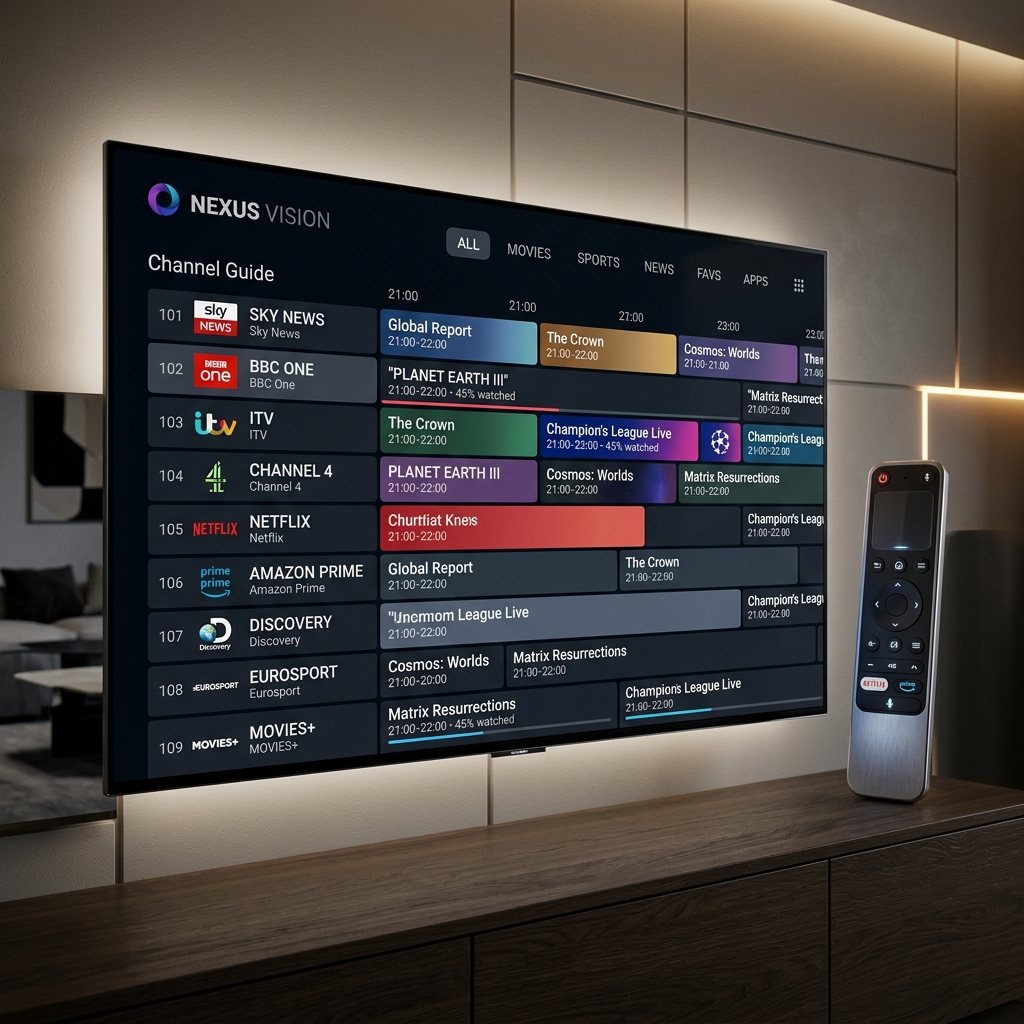
TiviMate will automatically pull the EPG data from your Xtream Codes API login. If the channel guide does not load immediately, go to Settings > Playlists > [Your Playlist Name] > EPG sources, and click 'Update'. You will now have a fully functional channel guide showing current and upcoming shows, local listings, and program info.
Step 4: Unlock TiviMate Premium Features
While the free version of TiviMate is excellent, unlocking TiviMate Premium is highly recommended. For a small annual fee or one-time lifetime purchase, you gain access to: multi-screen viewing (watch up to 4 channels simultaneously), custom group creation, cloud backup/restore, custom recording, and auto-frame rate adjustment. Combine TiviMate Premium with a multi-device Golden IPTV Pro plan to experience the ultimate television setup.
Ready to experience reliable streaming?
Explore our subscription plans with enterprise-grade infrastructure and 24/7 technical support.
View Subscription Plans